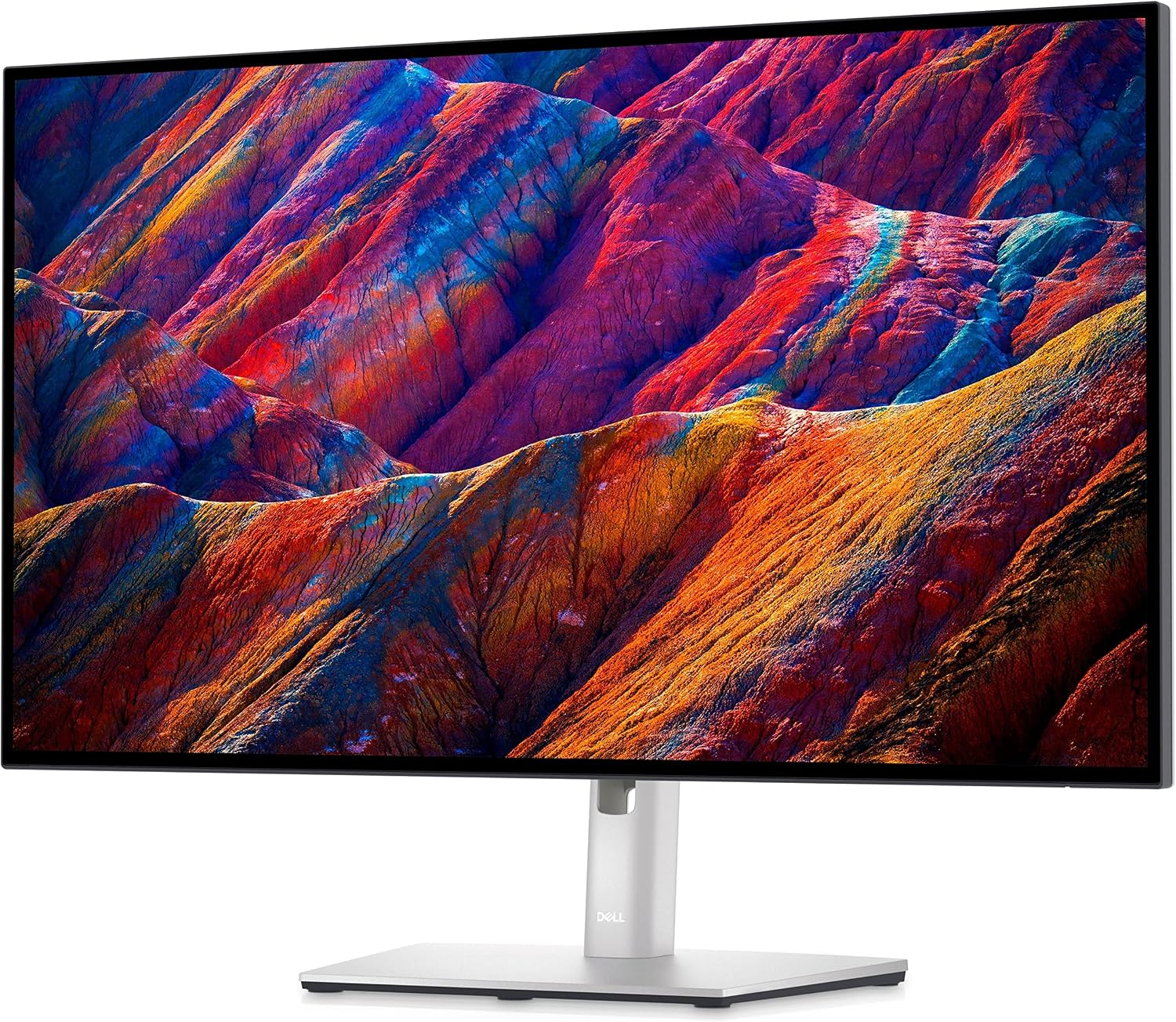
The Dell UltraSharp U2723QE: a monitor I use and trust.
 By Ryan Robert Rice ·
 If you are looking for a monitor, the Dell UltraSharp U2723QE is the one I use—and I recommend it with confidence. For me, this is one of the best monitor purchases to consider for a creative desk setup.
I think it compares very well with the experience people want from an Apple display. That is my personal assessment as someone who uses this Dell, not a claim that it has identical specifications to every Mac or Apple monitor. I would put it on the shortlist before assuming an Apple-branded screen is the only choice.
Affiliate disclosure: As an Amazon Associate I earn from qualifying purchases. Buying through my link may earn me a commission at no extra cost to you.
Why I am happy to recommend this monitor
A monitor is where you spend time with the work after the camera goes back in the bag. It deserves attention when you are building a photography, video or general creative setup. I like recommending this one because it is something I actually use, rather than a product I picked solely from a specifications chart.
My recommendation is strong, but the best display for you still depends on what you need. Screen size, desk space, connection options and the way text looks at your preferred settings all matter. I would choose a monitor around the time spent using it, not just how impressive the product name sounds.
What the Dell U2723QE offers
Dell’s specifications list a 27-inch display with 3840 × 2160 resolution at 60Hz, 100% sRGB and Rec.709 coverage, and 98% DCI-P3 coverage. Its USB-C display connection can supply up to 90W of power to a compatible laptop.
That USB-C hub design is useful to consider if you want a simpler desk setup. Check your Mac’s display support and power requirements, and use the appropriate cable. A charging specification is not a promise that every laptop will run and charge at its maximum rate under every workload.
How I think about it alongside Apple displays
When I say this Dell compares well, I mean I see it as a serious alternative worth considering for a Mac workspace. I am not claiming a measured side-by-side victory or saying every Apple display is the same.
The Dell is a 27-inch 4K screen. Compare the exact Apple model you are considering for resolution, pixel density, brightness, connections and included features. On a Mac, I would also try the display-scaling options and decide whether text and interface elements look comfortable at the size I want.
A familiar brand can be reassuring, but I would not let it make the decision for me. This Dell is the monitor I use and feel good recommending. If it gives you the experience you want at a price you are happy with, that matters.
A good screen is one part of a creative setup
Published color-gamut coverage is useful information, but it does not replace checking the display settings and managing color appropriately for your work. For color-critical delivery, I would make calibration, room lighting and the intended output part of the process.
I would also be clear about priorities: a 60Hz monitor is a different purchase from a display chosen specifically for high-refresh gaming. My recommendation here is about a creative and everyday Mac workspace.
My recommendation
This is the monitor I use, and it is one I would confidently tell someone to look at. You do not have to choose an Apple-branded display simply because you use a Mac. The U2723QE is worth considering on its own merits.
Check the exact model, seller, condition and current price before ordering. I am not quoting a verified live sale; the link below is where you can review the current offer.